Download Combat Skirmish for Windows, Linux and Android
The free Counter-Strike 1.6 client: the game you can play at combatskirmish.net, in its own app window — true fullscreen, no ads, updates itself.
Latest version 1.41.1 (build 4), released October 12, 2026.
Get the clientPlay in the browser insteadChoose your platform
Windows
64-bit installer · 3.1 MB · version 1.41.1 (build 4)
Download for WindowsRequires: Windows 10 or 11, 64-bit. Installs for your user only, so no administrator rights are needed. If Microsoft Edge WebView2 is missing, the installer fetches it.
Install: Run the installer. Windows may show “Windows protected your PC” because the installer is not code-signed yet: choose More info, then Run anyway.
SHA-256 78fa456ee5e9f6ebf374282aa16093f5d78e305d09c1ae8df78e7a7dfa575ef8
Linux
AppImage (x86_64) · 96.3 MB · version 1.41.1 (build 4)
Download for LinuxRequires: Any 64-bit x86 Linux desktop. Nothing to install system-wide.
Install: Make the file executable (chmod +x, or Properties → Allow executing) and run it.
SHA-256 6f308ce7d61ce96e97c03ad7e0cfa3fc559bbb8828386248fa27b4d64df8f065
Debian / Ubuntu
.deb package (amd64) · 5.0 MB · version 1.41.1 (build 4)
Download for Debian / UbuntuRequires: A Debian- or Ubuntu-based distribution with WebKitGTK 4.1 (libwebkit2gtk-4.1-0) — Ubuntu 22.04 or Debian 12 and newer ship it.
Install: Open it with your software installer, or run sudo apt install ./combat-skirmish-linux-amd64.deb.
SHA-256 14481590d05b5d1f640d6ff40eeea809289291ccdba50e997e618ddd0f6af0f1
Android
APK (arm64, armv7, x86_64) · 19.2 MB · version 1.41.1 (build 4)
Download for AndroidRequires: Android 7.0 or newer.
Install: Open the APK and allow the install when Android asks for permission to install apps from this source.
SHA-256 691c782d8cbbd6aee9691ed7db3d376e707d1419f1c90e171214d6ec54339927
There is no macOS or iOS build yet. On a Mac, iPhone or iPad, play in your browser — nothing to install.
Why use the client instead of the browser?
The game is identical — the client loads the same live game the website runs. What changes is the window around it. On Windows and Linux the client gives you:
- No ads and no website copy around the game, anywhere.
- Real fullscreen that opens with F11 or Alt+Enter, not a browser tab stretched to fill the screen.
- Your monitor’s full refresh rate instead of whatever the browser allows.
- No throttling when you alt-tab mid-match — browsers slow background tabs down, the client does not.
- Sound and voice chat from the first second: menu music plays without a click, and the microphone is allowed once instead of prompting mid-match.
- Server links that open the game: a cs16:// link joins that server directly.
- Steam-authenticated servers: servers that require a Steam login accept you through your own Steam client running on the same PC. Your Steam credentials never leave your machine.
- Automatic, signed updates checked every time it starts.
The Android app is the same game as a phone app, with touch controls, and it updates itself the same way.
Screenshots
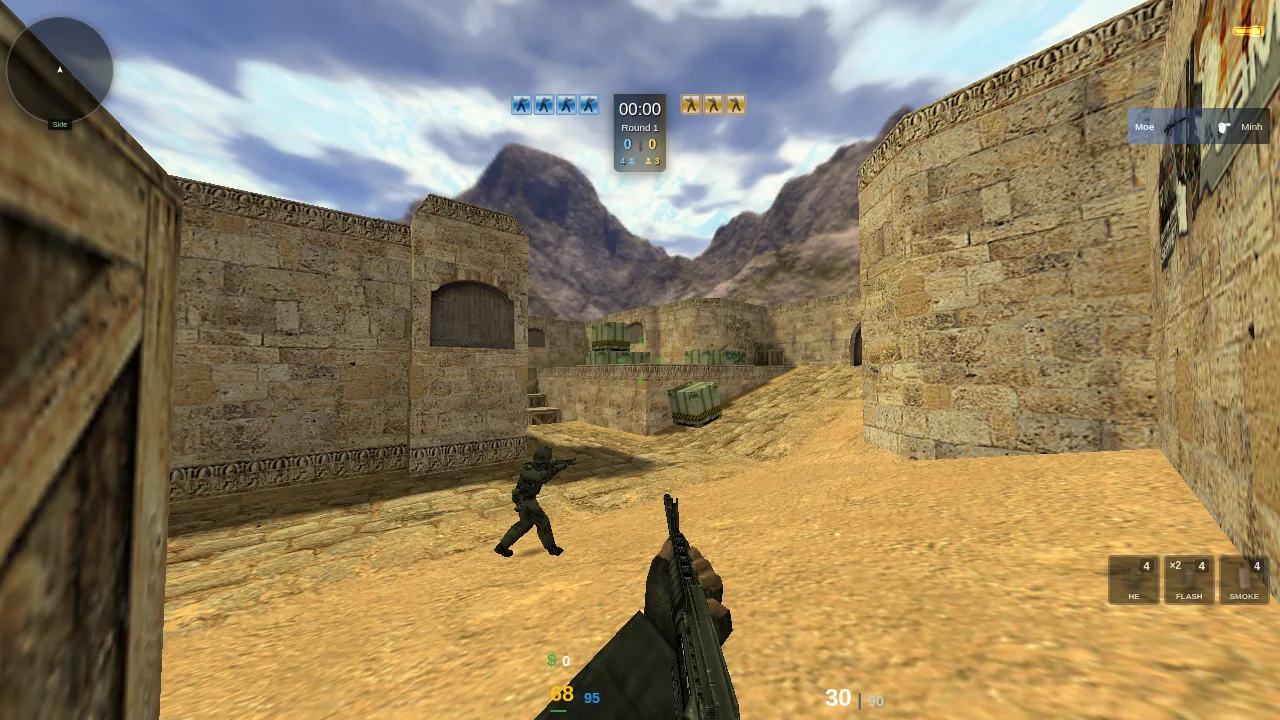
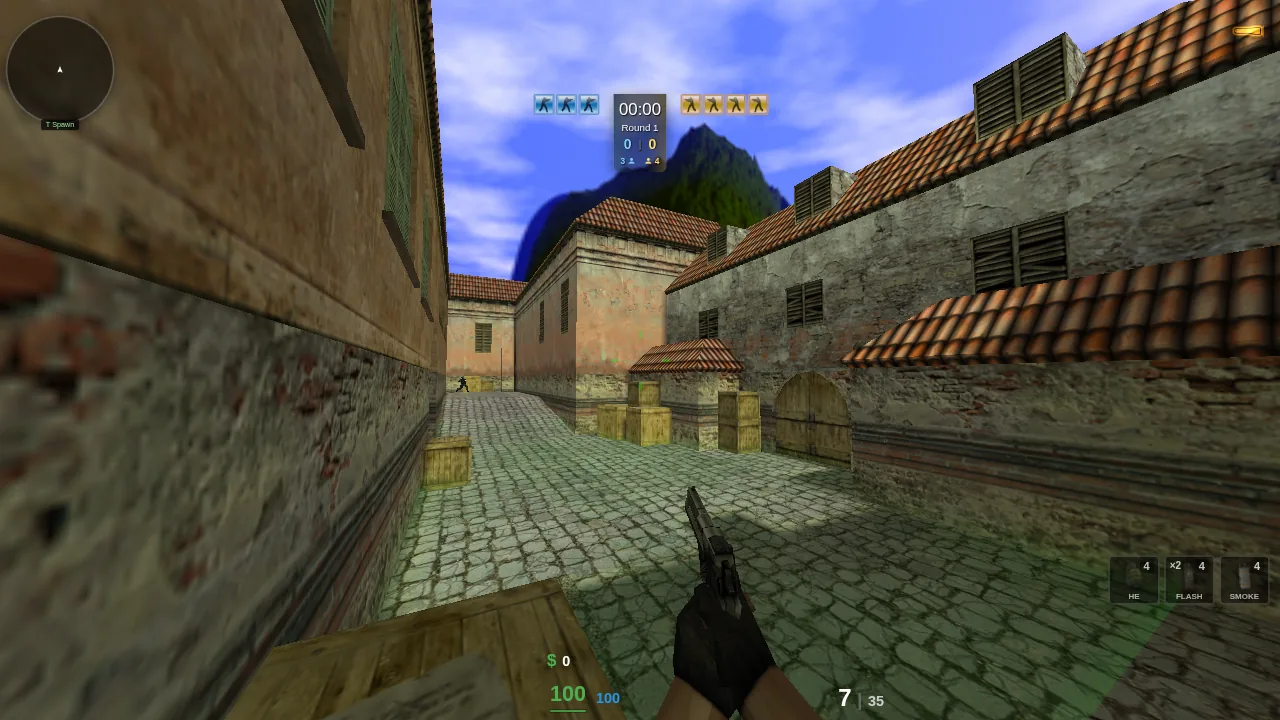
What the download contains
The installer is only the app — a small native window around the live game. It does not bundle Counter-Strike: the client streams the maps, models and sounds it needs from our servers, the same way the website does, and caches them so the next start is fast. That keeps the download to a few megabytes on Windows and means the client never falls out of step with the game.
What’s new in 1.41.1 (build 4)
Released October 12, 2026. Every release, with checksums.
Connection fix
Improved
- During updates the site now shows a short maintenance notice in your language and reloads by itself, instead of an error page
- The key bindings on the loading screen fit small windows and phones
- The co-op map list shows when a hidden filter is narrowing the results
- When playing inside another site, turning the view past the top or bottom edge is now highlighted too
Fixed
- After the last update, joining a server could sit on "Connecting…" forever. Connections go through again, and if a server stops answering while you join, the game now falls back to another way in instead of waiting
- Co-op rooms hosted from a background tab could show up in the room list before they were ready to join
Frequently asked questions
- Is the Combat Skirmish client free?
- Yes. The client is free, with no account required and no ads anywhere in it.
- Do I need to download the client to play?
- No. The same game runs in any modern browser at combatskirmish.net with nothing to install. The client is for players who prefer a normal app window: true fullscreen, your monitor’s full refresh rate, and no ads.
- Does the client include Counter-Strike game files?
- No. The installer is the app only. It streams the game files it needs from the same servers as the website and keeps them cached, so it stays small and always matches the live game.
- How does the client update?
- It checks for a new version every time it starts, verifies the update’s signature, and installs it. You never need to download it again by hand.
- Is there a Mac or iPhone version?
- Not yet — builds exist for Windows, Linux, Android. On a Mac, iPhone or iPad, play in the browser instead: it is the same game.
- How do I check that my download is genuine?
- Compare the file’s SHA-256 checksum with the one listed next to it on this page, or with the SHA256SUMS file published with each release.
Follow Combat Skirmish on ModDB
The client is also listed on ModDB, where you can follow new releases, rate it and leave a review.
