What You Need to Run CS 1.6 in a Browser
Free · No download · No install · No account
Play now — free, no downloadBrowse serversNew here? Play CS 1.6 online from the homepage — Quick Join, the live server browser and bot matches are one click away.
How a 1999 game ends up on a web page
Counter-Strike 1.6 originally ran on Valve's GoldSrc engine. This site runs Xash3D FWGS, an open-source engine written in C to be compatible with GoldSrc, compiled to WebAssembly — a format browsers execute at close to native speed — and rendered through WebGL. The result is the game running in a tab with its original maps, models and sounds, not a video stream of it.
Because the game was designed for 1999 hardware, it is also genuinely light: a modern laptop has an enormous amount of headroom.
What you need
A current browser — Chrome, Firefox, Edge or Safari — on a computer, phone or tablet. Any machine from the last decade is comfortably enough.
A mouse genuinely matters. CS is a game about precise aim, and a trackpad will hold you back far more than your hardware will.
Phones and tablets
It runs on phones and tablets too: on a touch screen the game switches to on-screen controls, with optional aim assist and automatic jumping over obstacles. A mouse still aims better than a thumb, so a desktop remains the best way to play.
What to try first
Any classic map is a good start, or read the guide first if you have never played.
Game modes
Bomb Defusal, Hostage Rescue, Deathmatch, Gun Game, Zombie Mod, Surf, Bhop and more — each with a page explaining how it plays.
Maps
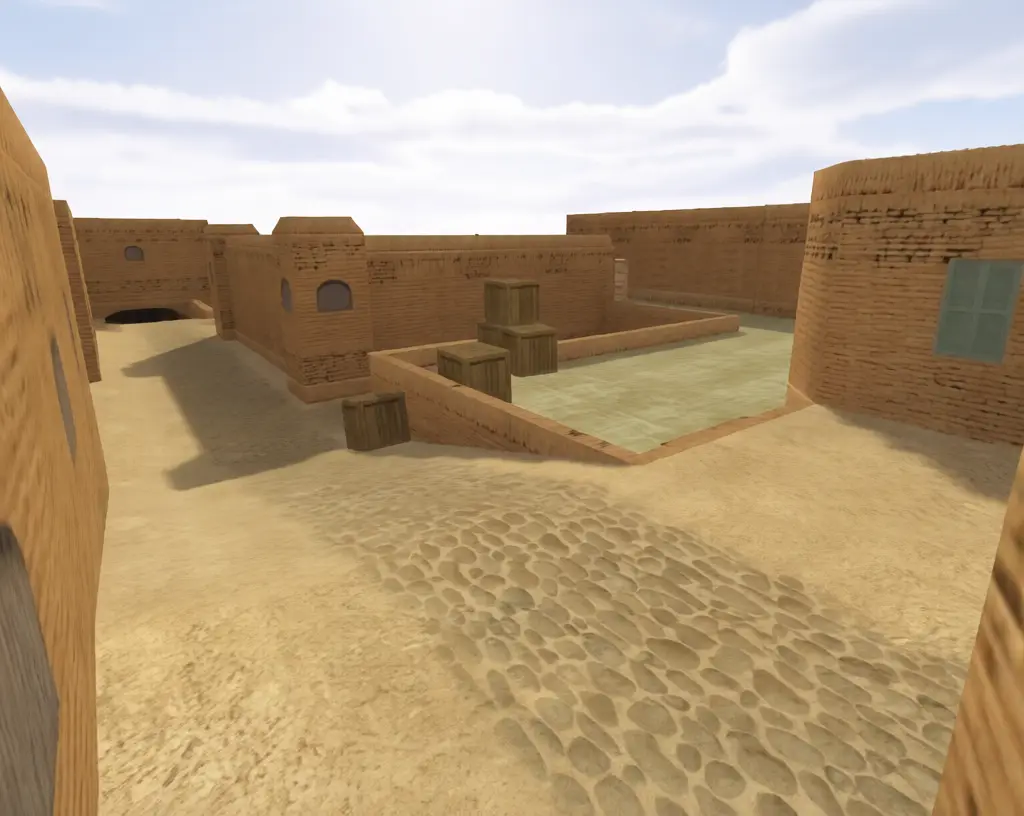
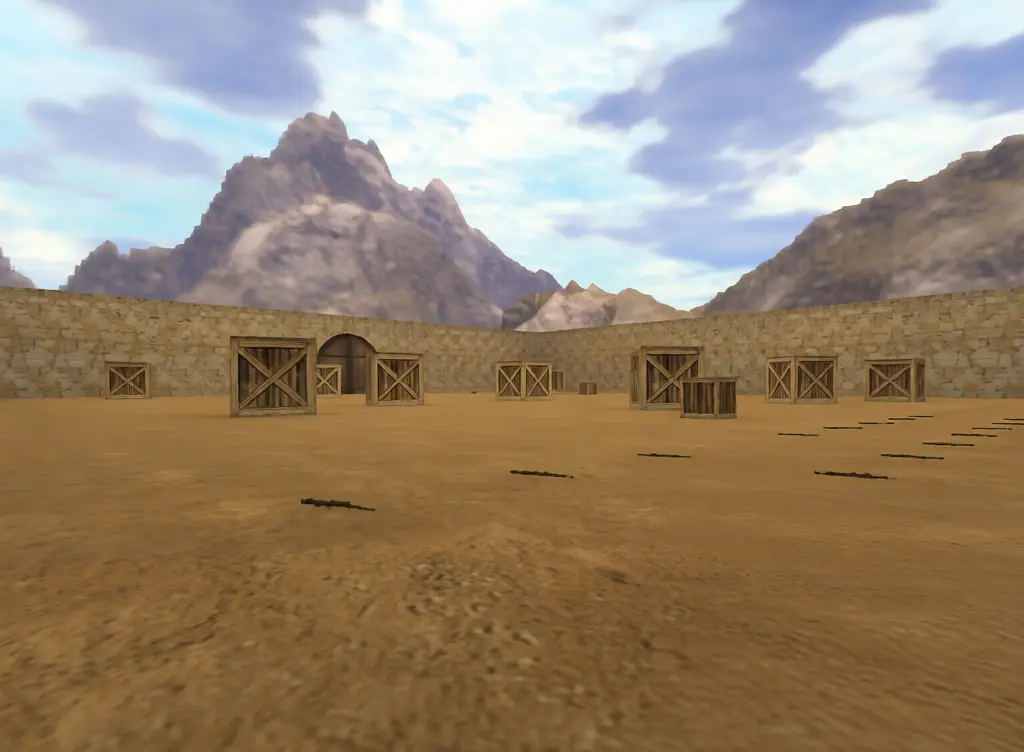
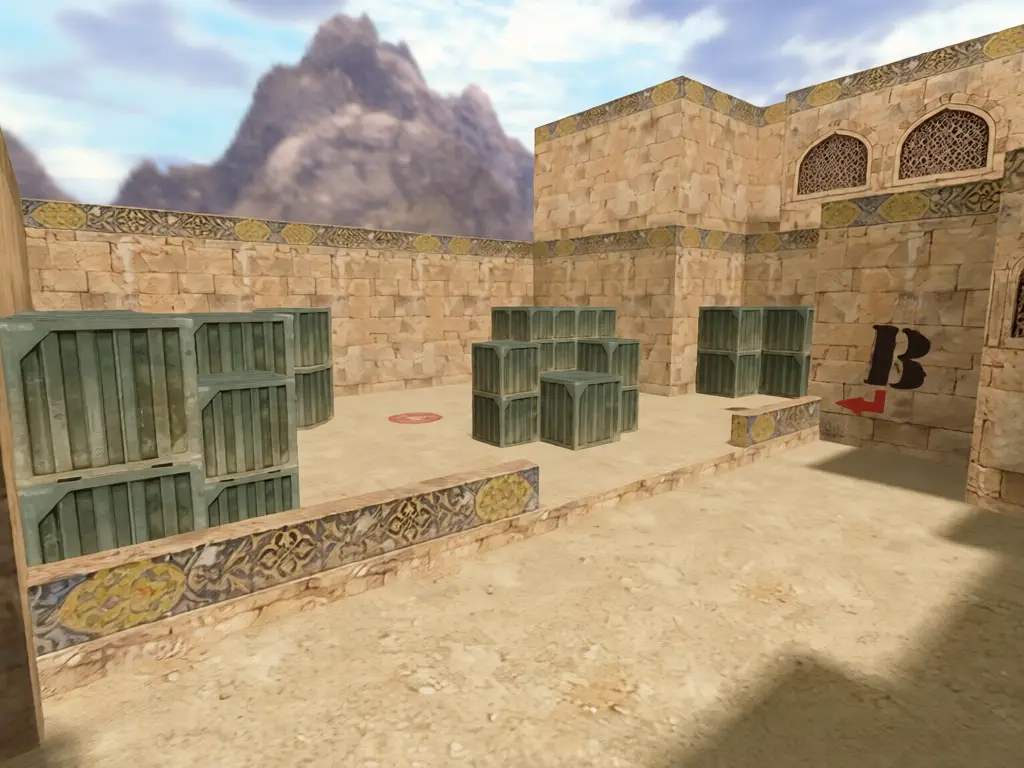
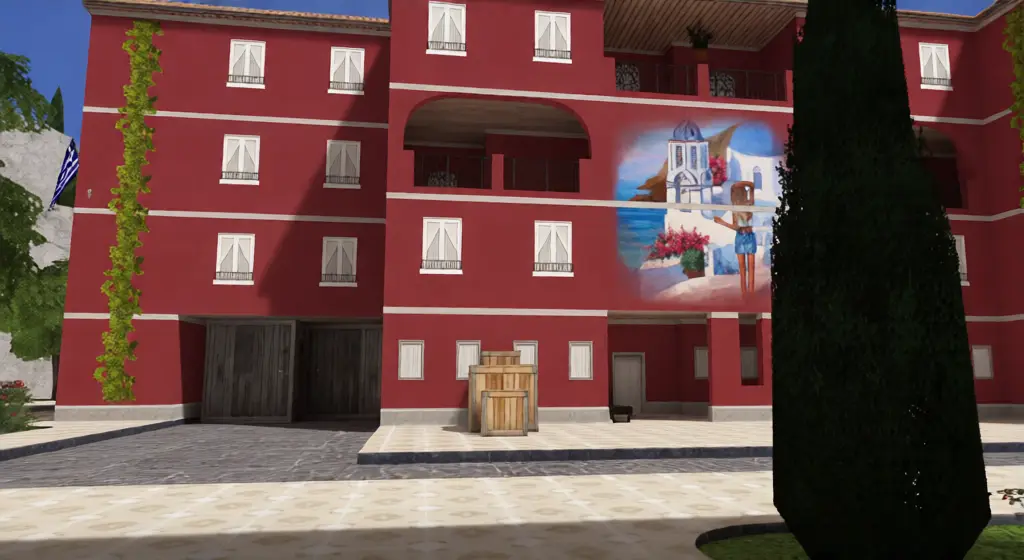
Every classic map has its own page with a description and a live server link — from de_dust2 and de_inferno to cs_office, fy_iceworld and awp_map.
Frequently asked questions
What do I need to play?
A modern browser. A keyboard and mouse aim best, and touch screens get on-screen controls. No admin rights and no install.
Is this the real Counter-Strike 1.6?
It is Counter-Strike 1.6 on Xash3D FWGS, an open-source GoldSrc-compatible engine compiled to WebAssembly, and it connects to the same live public servers as the Steam version.
Can I play with friends?
Yes. Open the server browser, pick the same server, and join together.