Play Counter-Strike 1.6 With Friends
Free · No download · No install · No account
Play now — free, no downloadBrowse serversNew here? Play CS 1.6 online from the homepage — Quick Join, the live server browser and bot matches are one click away.
The hard part used to be getting them there
Organising a game of CS 1.6 traditionally meant everyone owning it, installing it, and agreeing on a server — which is where most attempts quietly died. Here the invitation is a link. Your friend opens it and they are in the game; there is nothing to buy, install or sign up for, and no version of the game for them to have the wrong one of.
That is genuinely the whole pitch for playing with friends here. Everything below is detail.
Adding each other, and seeing who is around
You can add friends and see when they are online, which server they are on and what map they are playing. That is enough to answer the only question that matters in practice — "where are you?" — and then you join the same server from the browser.
Playing as a party: the invite button we now have
For a proper match there is a party system. Open Compete, invite up to four friends by name, and queue for a ranked 5v5 together: the party is placed on the same team, you can chat and talk over push-to-talk while you wait, and a twenty-second ready check starts the match once ten players are found. The match server is one of your own browsers, so there is still nothing to install and no server to rent.
For a public server there is still no one-click join. You can see which server a friend is on, but getting there is you picking that same server from the list yourself. It works, and it is one extra step; if you want the fastest version, agree on a server name first, then everyone joins it.
Filling out a small game
Two or three people on a big public map is thin. Bots make up the numbers, and public servers already have real players on them — so if you are a small group, joining a populated server usually beats trying to fill an empty one yourselves.
Get everyone in
Send them this page, pick a map, and go.
Game modes
Bomb Defusal, Hostage Rescue, Deathmatch, Gun Game, Zombie Mod, Surf, Bhop and more — each with a page explaining how it plays.
Maps
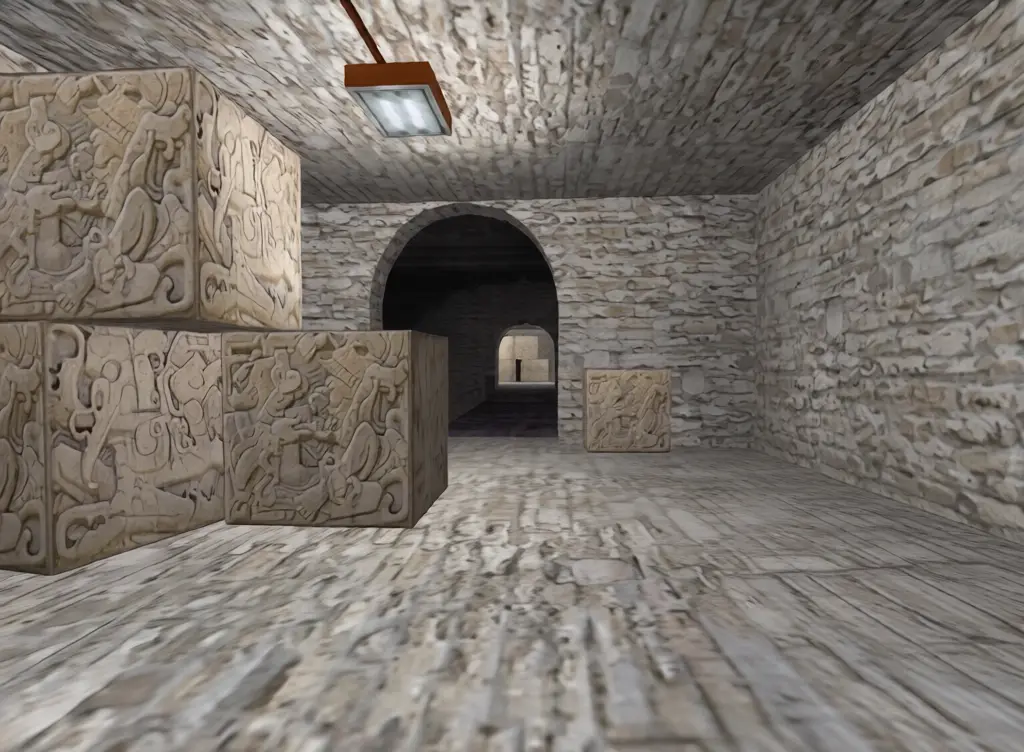
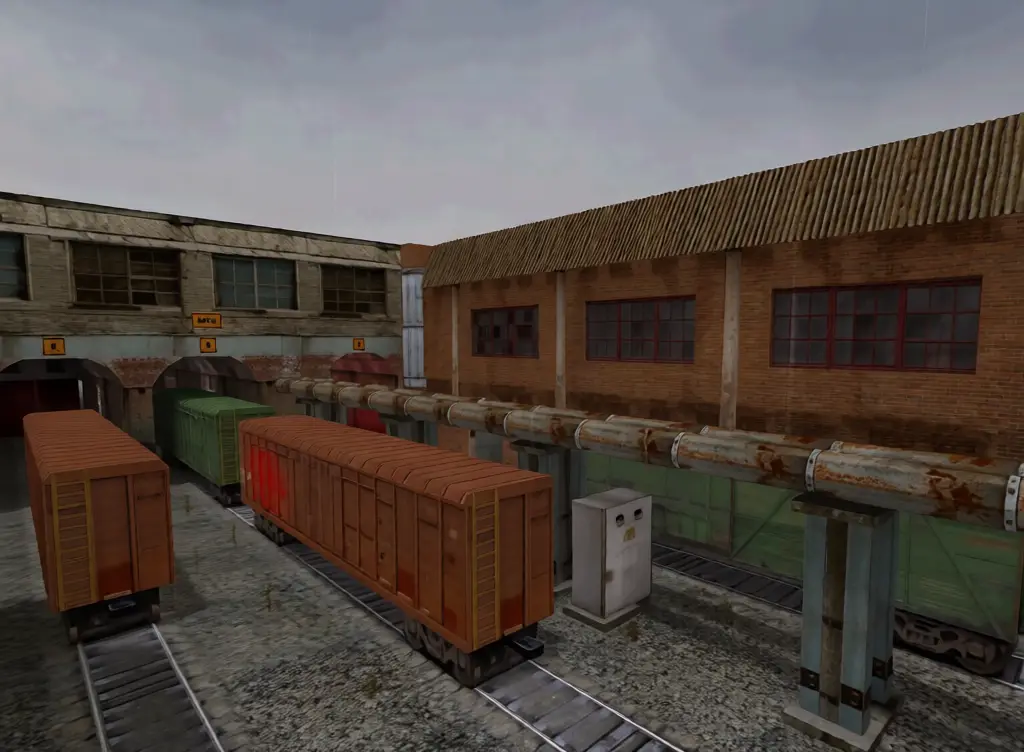
Every classic map has its own page with a description and a live server link — from de_dust2 and de_inferno to cs_office, fy_iceworld and awp_map.
Frequently asked questions
Can I play with friends?
Yes. Form a party of up to five in Compete and queue for a ranked 5v5 together, or open the server browser, pick the same server, and join together.
Do we all need accounts?
No. Nobody needs an account, a login or a purchase.
Is it free for everyone?
Yes, completely free for every player.